 Weather Slate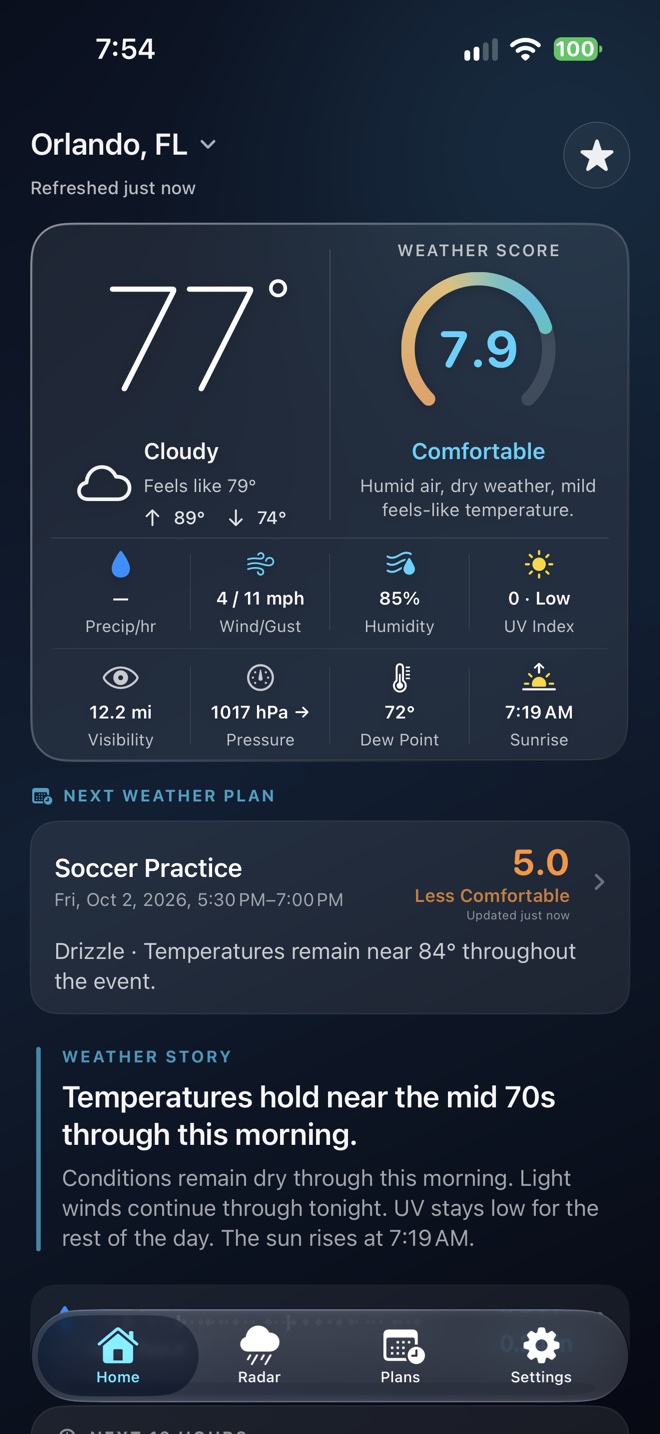
Save a reason, not just a pin
Home, a workplace, a family member’s city, a second property, and a vacation destination each answer a different question. Naming a place meaningfully can help you remember why you check it.
A tournament venue is another useful example. Saving the actual town or location is better than relying on the weather at home, even if the drive is relatively short. Keep only the places you still use so a quick check stays quick.
Confirm you have the right place
Town names can repeat across states. A general city forecast may also differ from conditions at a more exposed nearby site. Confirm the selected location before drawing conclusions about an activity.
Read the time as well as the name. A destination’s current temperature does not tell you what it will feel like when you arrive. Open the relevant hours or the multi-day trend for that question.
A favorite is not an alert subscription
Saved locations make forecast access easier. They do not automatically mean you receive push warnings for each place. Weather Slate’s existing alert work uses the last current location updated while the app is open; enhanced notification options are still being developed.
If you are concerned about a family member’s area, check official local alerts directly rather than assuming that saving their city will notify you of every hazard.
Keep your list and your privacy choices current
Saved places, nicknames, and coordinates are stored on the device under the current Privacy Policy. Weather requests still need location information to obtain the forecast; local storage does not mean weather can be fetched without identifying a place.
Remove places that no longer belong in your routine using the app’s controls. Additional saved-location capacity is one possible area for Plus, but no final count or tier limit is promised here. The useful starting point is a small list you recognize and trust.